Create Organization
An organization is your workspace. Each organization gets its own subdomain (e.g. acme.webs8.com) and can run independent apps.
In short: To create an organization, sign in at webs8.com, click New organization, enter a display name, and choose a permanent subdomain (3–40 lowercase letters or hyphens). That subdomain becomes your workspace URL, e.g.
acme.webs8.com, and cannot be changed later.
-
Sign in
Go to webs8.com and sign in with your account credentials.
-
Open Create Org
From the dashboard, click New organization or Create your first organization if this is your first time.
-
Choose a name
Enter your organization's display name, for example Acme Restaurant Group. This name appears in your dashboard and can be changed later.
-
Choose a subdomain
Pick a unique subdomain using only lowercase letters and hyphens — for example,
acme. This becomes your permanent workspace URL:acme.webs8.com. -
Confirm
Click Create. You'll be redirected to your new organization dashboard at
yoursubdomain.webs8.com.
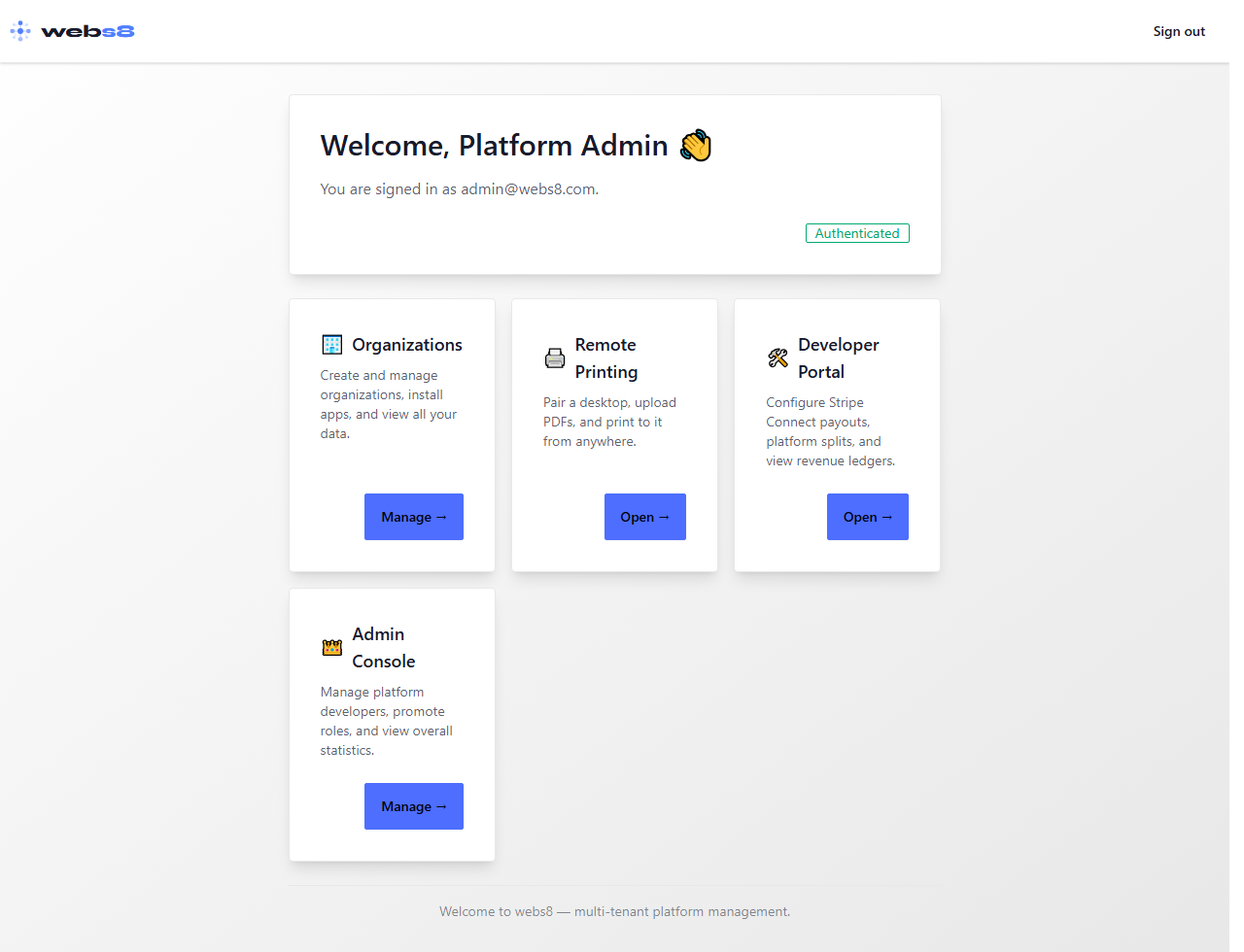
The create organization form at webs8.com
Subdomain rules: 3–40 lowercase letters or hyphens; cannot start or end with a hyphen; reserved words (
www, api, admin, platform, app, static, assets, cdn, mail, auth, dev, pre) are not available. Subdomains cannot be changed after creation.