Sign Up
Create your free webs8 account to get started.
In short: To sign up for webs8, go to webs8.com, click Sign up, enter your full name, email, and a password of at least 8 characters, then click Create account — you are signed in immediately with no email confirmation step.
-
Go to webs8.com
Visit webs8.com and click Sign up in the navigation. You'll be taken to the tenant sign-up page.
-
Enter your details
Provide your full name, email address, and a secure password. Passwords must be at least 8 characters long.
-
Submit
Click Create account. You are signed in immediately — no email confirmation step is required.
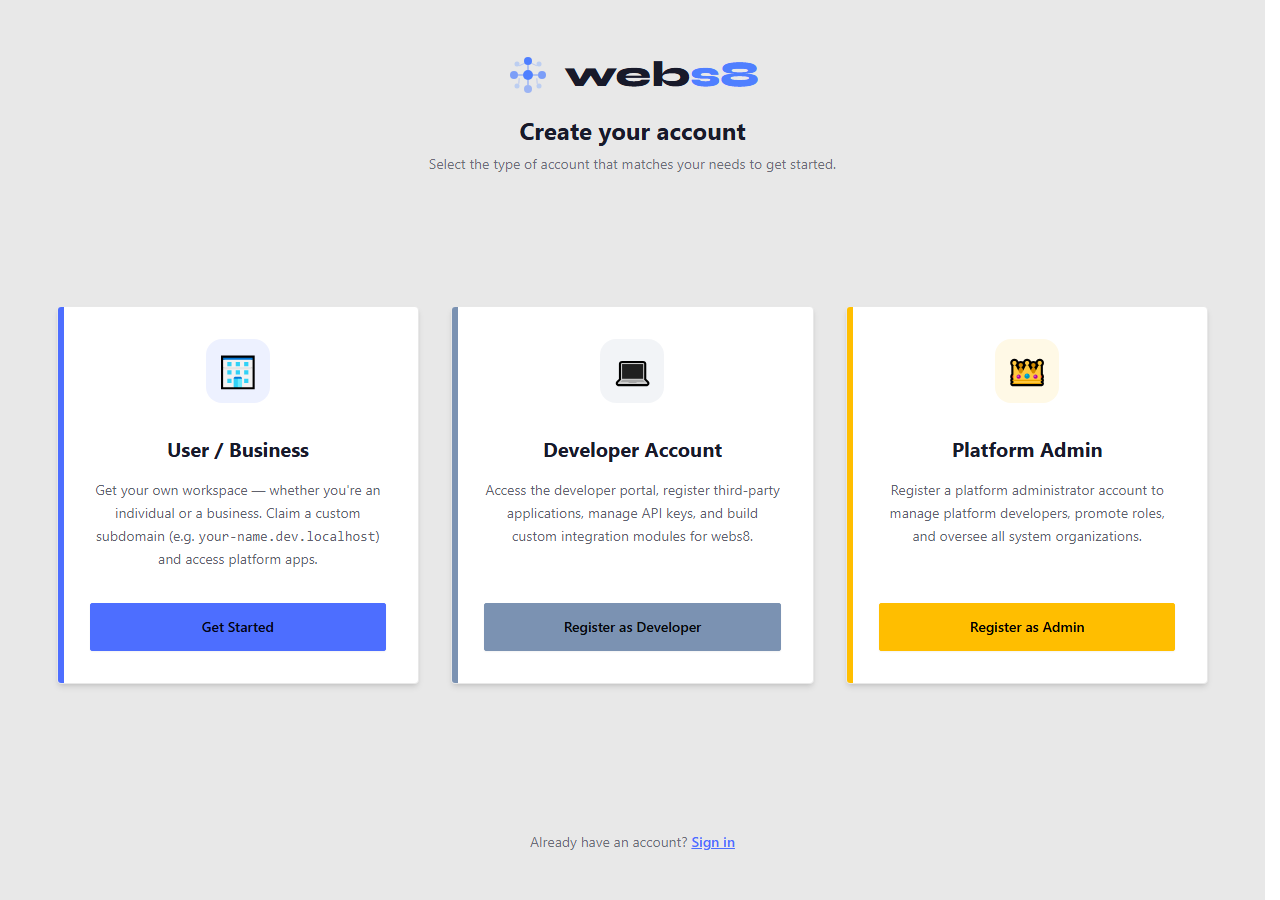
The sign-up form at webs8.com
Already have an account? Sign in at webs8.com — use the Sign in link in the top navigation.